20/10/2026 07:52
Desk Photo or Measuring Guide? Telegram Link Previews for Cambodian Desk Shops
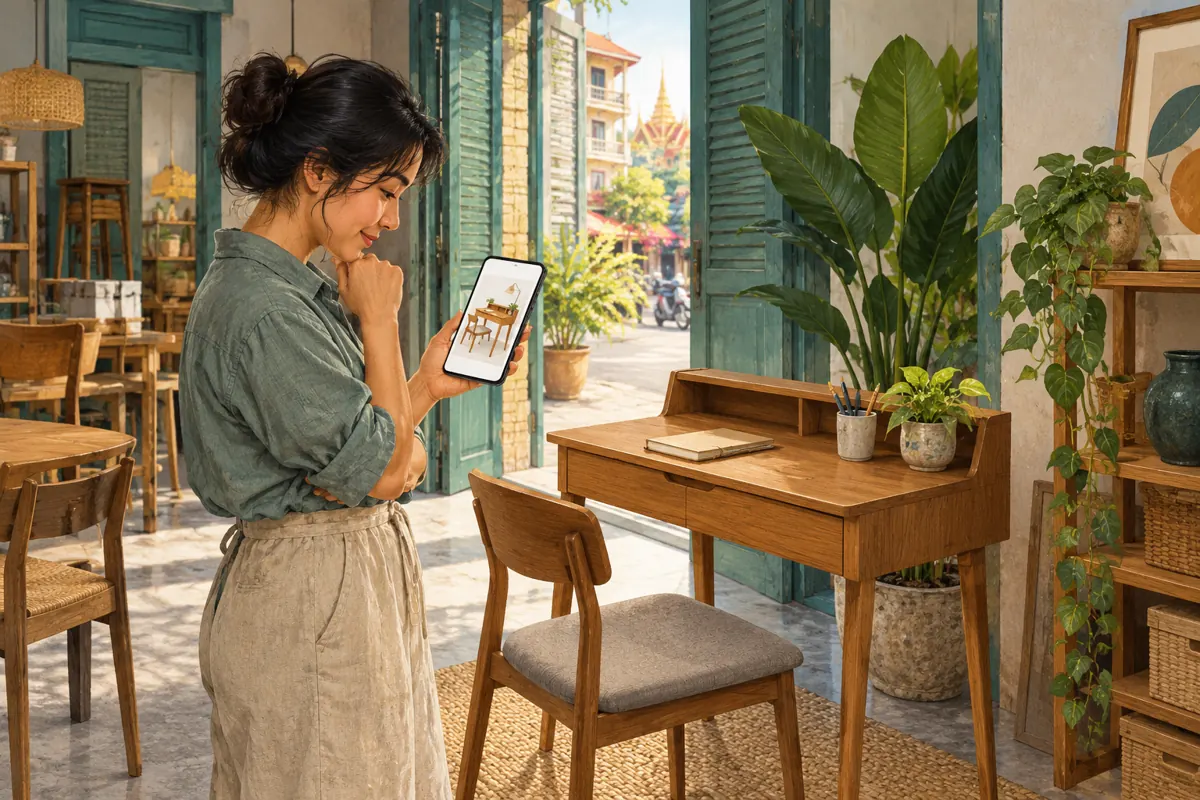
A Telegram post can contain the correct links and still give shoppers the wrong first impression. A desk shop might share a product page alongside a measuring guide, only for the most prominent picture to show a different desk from the guide. Readers may then ask about drawers, finishes or accessories that the advertised model does not include. For Cambodian businesses promoting furniture through Telegram, choosing the preview deserves its own review. This workflow explains how to select the useful resource, check its presentation and resolve mismatches before directing more attention to the channel.
1. Start with the decision the shopper needs to make
Decide whether this particular post helps someone choose a desk or measure a space. Those are related tasks, but they need different visual introductions. A product announcement should make the offered model easy to recognise. A measuring lesson should foreground the instruction. Trying to give both equal emphasis can leave readers unsure whether they are browsing furniture or preparing a quotation request.
Consider a hypothetical Phnom Penh shop selling a compact writing desk without drawers. Its product page shows that model, while its measuring guide uses a larger office desk as an example. Both links are useful, but the larger desk would be a confusing lead image for the product announcement. Write the post’s purpose in one sentence before arranging anything: help shoppers identify the compact model and check whether their available space suits it.
2. Know what Telegram’s preview controls actually change
Telegram’s official explanation says link previews can display a page’s title, description and media. It documents controls for changing media size, placing the preview above or below the message, and selecting which link receives the preview when several links are present. Telegram also says readers can open the link by tapping anywhere in the preview area. These are presentation controls; they do not establish that the destination contains accurate product information.
While composing, inspect the generated preview and open the available link settings. Identify the selected resource before adjusting its appearance. Use the controls shown in your installed app rather than relying on a remembered button position. If you cannot locate the expected controls, simplify the draft to the essential link and test it. Do not make the promotion dependent on an interface option you have not successfully checked.
3. Give each link a clear job
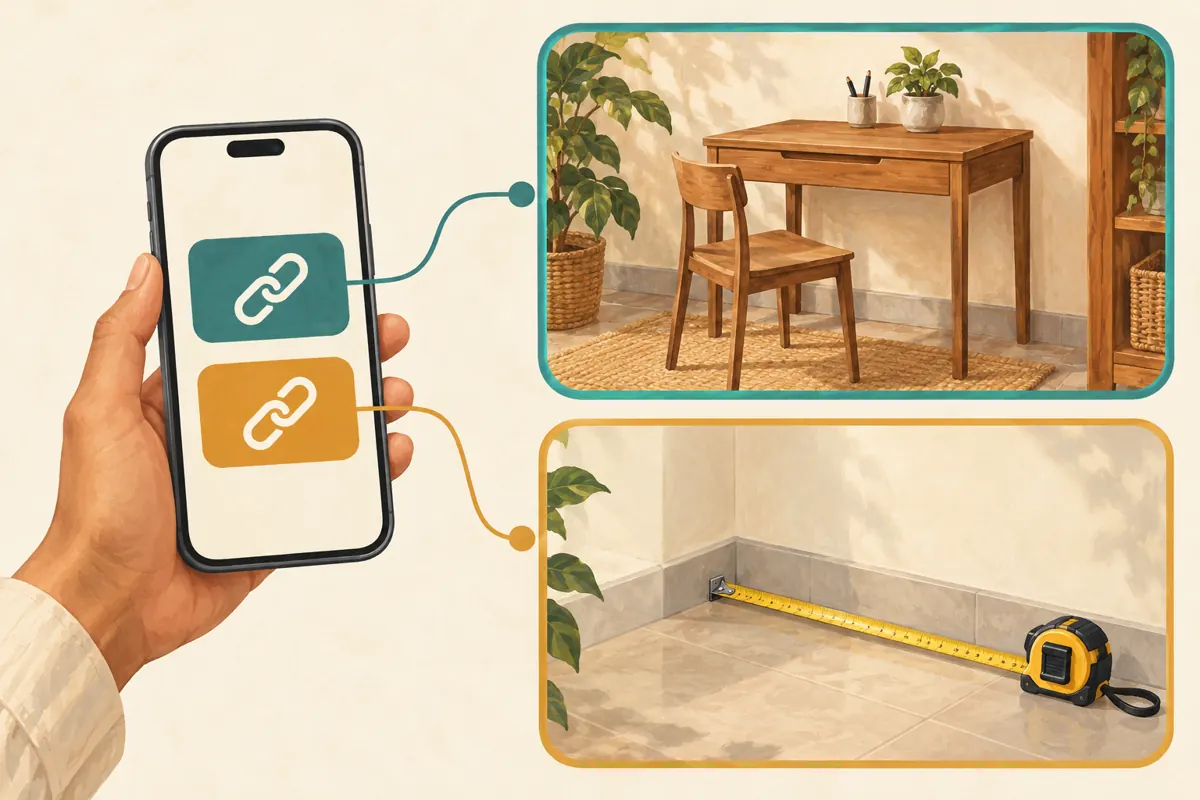
Make a short resource map before composing: the product page explains the desk, and the measuring guide explains what the customer should measure. Label each link accordingly in the message. Avoid two vague invitations such as “see more” and “click here,” which force readers to guess. The wording should explain the destination even when the preview is absent or the reader skips its picture.
For the hypothetical shop, a useful sequence is the model name, a factual sentence about its configuration, a labelled product link, and then the optional measuring guide. Choose the product link for the preview because recognising the advertised desk is the immediate task. If the guide requires a long explanation, give it a separate educational post. This also lets staff share the lesson when someone needs measuring help without repeating the whole product announcement.
4. Check the pictured configuration before choosing its size
Compare the preview image with the product actually offered. Inspect the leg shape, drawer arrangement, finish and included pieces. A chair positioned beside a desk may look like part of a set, even when it is only a styling prop. State exclusions clearly in the message and destination. If the image fundamentally misrepresents the item, a small disclaimer is a weak repair; use a more appropriate destination or revise the source material.
A larger preview can help when the silhouette is the useful information. A compact preview may suit a post where instructions require more attention. Neither size is automatically better. Judge whether the chosen treatment preserves the features needed to distinguish the model. Do not enlarge an attractive photograph merely because it looks impressive when its most visible accessories are unavailable. The visual should support the offer that staff can actually explain and fulfil.
5. Choose placement according to the reading sequence
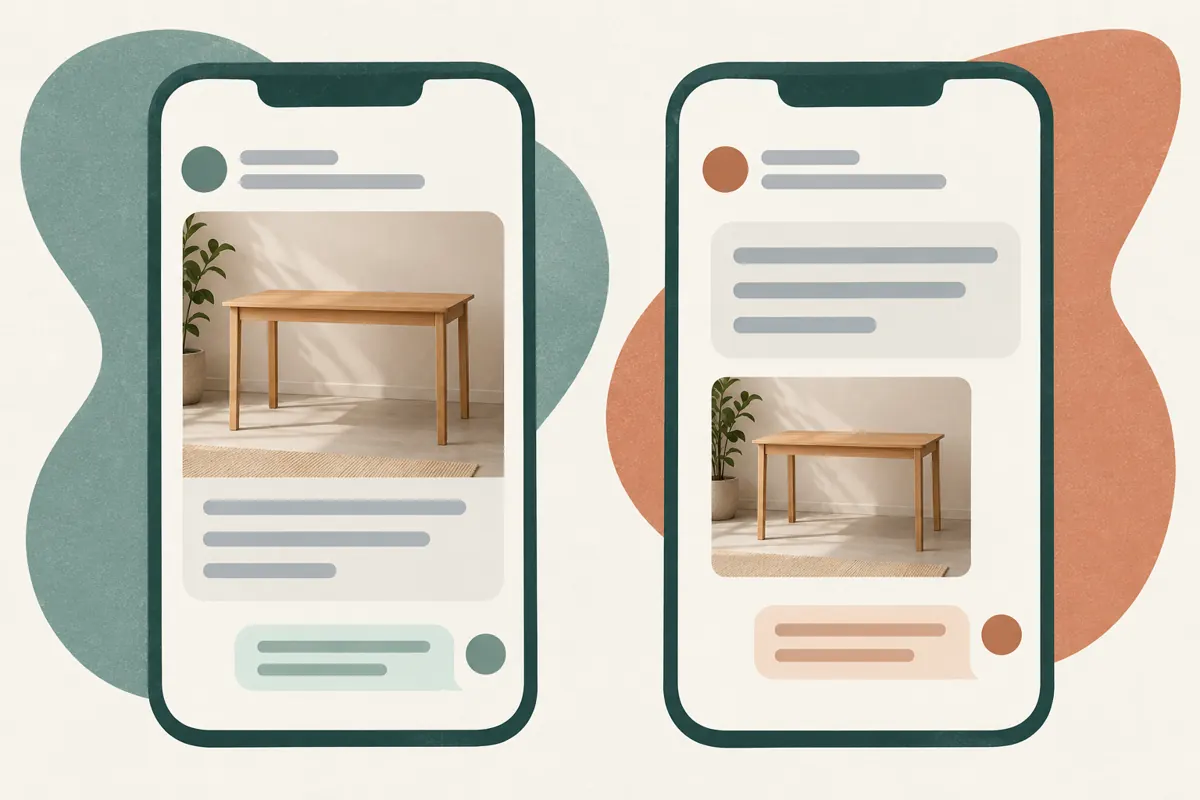
Putting the picture first can suit a straightforward introduction to a recognisable desk. Putting the explanation first can suit a post that needs context, such as a made-to-order item or a measuring exercise. Treat these as editorial choices, not promises about reach. Before selecting either arrangement, identify the sentence that prevents the most likely misunderstanding and make sure it remains easy to notice.
In a hypothetical made-to-order campaign, the key sentence might explain that the photograph shows a sample finish and that customers must confirm available options. Read the completed draft from top to bottom on a phone. Does the picture create an expectation before the qualification appears? If so, move the explanation earlier or choose imagery that needs less qualification. Keep essential conditions in ordinary message text, where readers can understand them without interpreting a preview card.
6. Open both destinations as a customer would
Test the preview and each labelled link separately. Confirm that the product destination opens the intended model rather than a general collection, an unrelated variant or a page requiring staff access. Then open the measuring guide and check that its instructions fit the kind of desk being discussed. A correct-looking preview is not enough: the customer still needs a usable page after tapping it.
For a Cambodian shop, review the practical information that affects the next conversation: measurement units, the currency of any displayed price, delivery coverage and whether assembly is included. These details must come from the shop’s confirmed arrangements. Ask a colleague to describe what they believe the offer includes after viewing the post and page. Record any disagreement between their interpretation and the actual offer, then resolve the wording or imagery that caused it.
7. Resolve a misleading or missing preview without guessing
If the wrong resource appears, first check which link is selected. If the selected link is correct but its title or picture is unsuitable, inspect the destination itself. Ask whoever maintains that page to review the information used for its shared presentation. Keep the request specific: identify the page, describe the observed mismatch and explain the intended product. Do not assume that changing a page will immediately change every existing preview.
Test again before promoting the post. If a useful preview still does not appear, make the message understandable through a clear model name, a concise description and an accurately labelled link. Where your app offers a preview removal option, consider it for a misleading card. Otherwise, restructure the post around a suitable resource. Avoid repeated public test posts or unexplained replacement links that make customers wonder which version is current.
8. Keep SMM service decisions separate from preview preparation
The supplied jkj-smm.com catalogue includes the exact service name “Telegram - Channel/Group Members ~ Max 70k ~ 5k/days ~ 𝗥𝗘𝗙𝗜𝗟𝗟 60D”. Its label identifies a channel/group membership service. The brief provides no supporting description, so the speed, maximum and refill wording should not be treated here as verified delivery terms. Confirm the current requirements and platform rules before making any service decision.
A membership service does not select the correct desk preview, repair a misleading page or answer a customer’s measuring question. Purchased engagement is not evidence of genuine interest, sales, advertising delivery or Cambodian users. If a service request is being considered, review its required target independently: a product-page address, a Telegram post reference and a channel address serve different purposes. Do not assume that the link featured in the preview is the appropriate service input.
9. Check understanding before interpreting results
Use a simple comprehension review rather than asking colleagues which version looks more attractive. Show the draft to someone who did not prepare it and ask them to identify the desk, say whether a chair is included, and find the measuring instructions. Their answers can reveal an ambiguous image or label. This is a small editorial check, not a representative study of Cambodian shoppers or a forecast of sales.
After publication, keep notes on genuine questions that expose confusion. If people repeatedly ask whether drawers are included, revisit the visual and configuration wording. Track actual quotation requests and confirmed orders in the shop’s normal records. Keep any panel order history separate. A change in channel membership does not demonstrate that the preview helped customers understand the offer, and a clearer preview alone cannot establish why someone purchased.
10. Build a reusable review note for the next desk
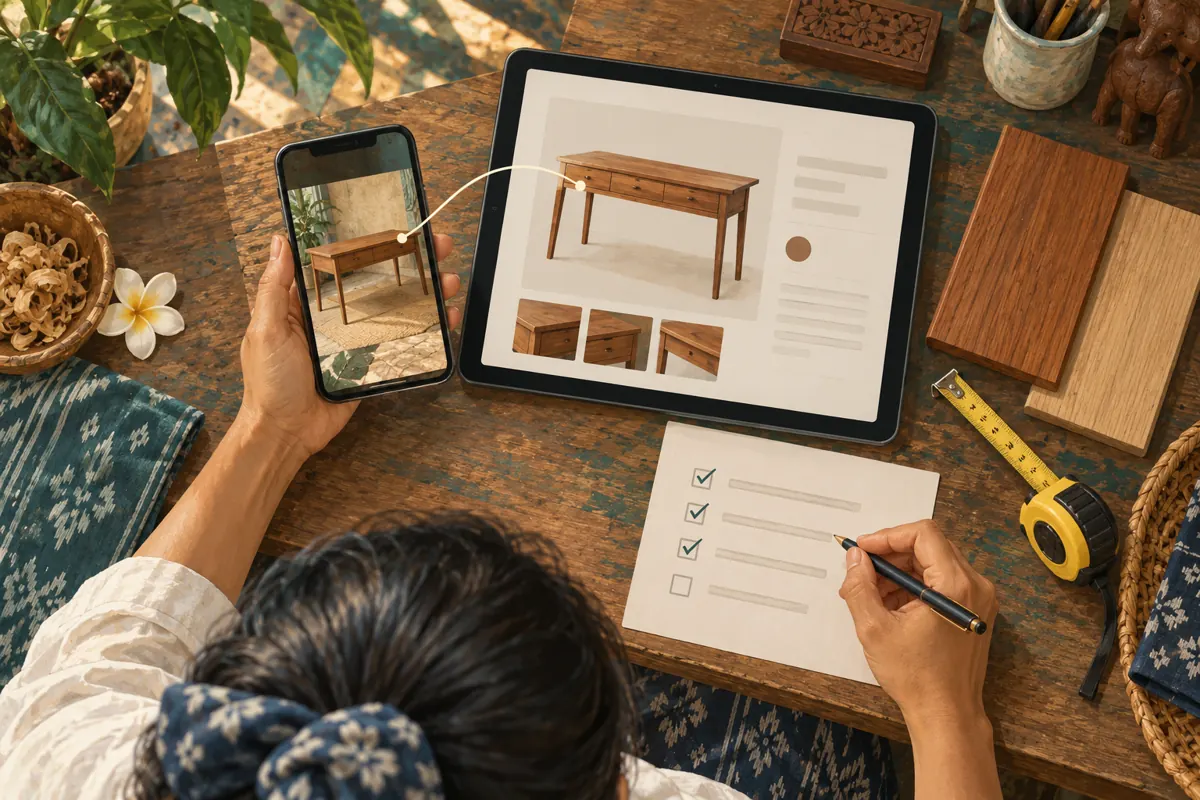
Save a compact editorial note containing the model identifier, product destination, supporting guide, chosen preview and reason for the layout. Add the configuration checked and the date of that review. This makes the next promotion easier to prepare without encouraging staff to copy an old offer unquestioningly. The note should explain the decision, not just record that someone approved a screenshot.
Recheck whenever a product page changes, a model becomes unavailable or the post is adapted for another offer. Common mistakes include carrying over the previous model’s link, choosing a guide image because it is more polished, and placing a key exclusion far below the picture. Assign one person to confirm product facts and another to check the message as a reader. If one person handles both tasks, perform them as separate passes.
Frequently asked questions
Which preview should appear when a post links to a desk and a measuring guide?
Choose according to the post’s main task. For a product introduction, the desk page normally gives the clearest visual reference. For a measuring lesson, the guide may be more appropriate. Label both destinations so readers can choose deliberately. If the two resources need different explanations, separate posts can make each easier to use.
Does a larger Telegram preview guarantee more customer enquiries?
No. A larger image may make a product detail easier to see, but that is a design judgment rather than a business outcome. Enquiries also depend on the offer, audience, availability and contact process. Choose a size that communicates accurately, then examine genuine questions without attributing every change to the layout.
What if the preview shows a chair that is not included?
State the exclusion clearly and check whether the photograph still creates a misleading overall impression. A desk-only image is preferable when the chair dominates the composition. Also confirm that the destination describes the same package. A qualification in the Telegram message cannot compensate for a product page that presents the wrong offer.
Can an SMM panel service fix the wrong link preview?
The membership service listed in this brief does not provide evidence of preview-editing functionality. Resolve the issue in the message’s link selection or through the destination’s maintainer. Review service descriptions separately, and never interpret purchased membership as proof that people opened the product page, understood the desk configuration or wanted a quotation.
Should staff stop sharing a useful link if its preview is missing?
Not necessarily. First confirm that the destination opens correctly and contains accurate information. Write a self-contained message explaining the model and why the reader should open the link. A missing card may reduce visual context, but an accurate labelled destination can still be useful. Do not substitute an unrelated picture just to fill the space.
Explore the current service catalogue, create an account, or ask a specific question through support tickets.
Prepared with AI assistance. Illustrations explain the workflow and do not represent customer results.