20/10/2026 01:39
Watch Together, Answer Clearly: YouTube Premieres for Cambodian Rattan Workshops
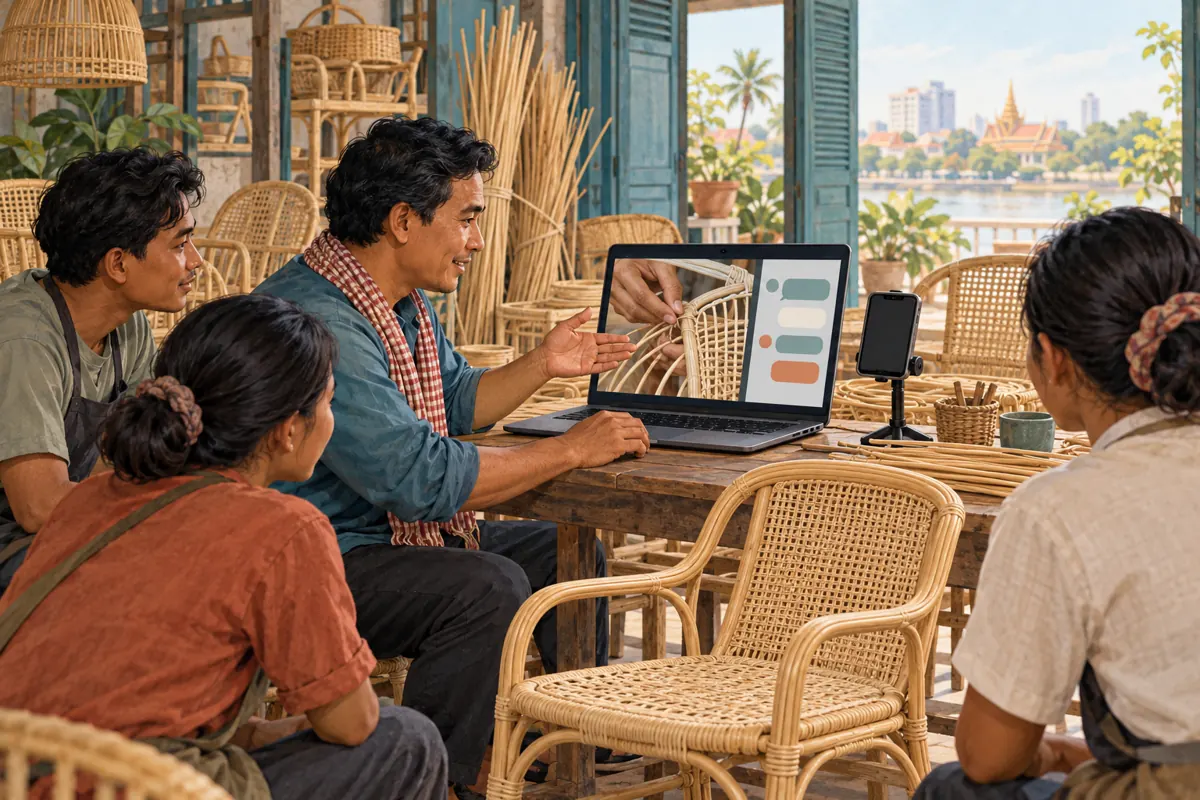
A carefully filmed rattan-chair demonstration can show details that are difficult to explain in a product photograph: the weave beneath the seat, the shape of the armrest, or how a removable cushion fits. A Cambodian workshop may also want someone available when viewers first see those details. A YouTube Premiere can bring those activities together. The useful question is whether a shared viewing will help customers understand the furniture and ask better questions. This guide follows a hypothetical Phnom Penh rattan workshop through that decision, preparation, hosting and follow-up, including what an SMM panel customer should check before considering any promotional service.
1. Choose a Premiere when a shared viewing adds value
YouTube describes Premieres as a way to watch a new video together, with a public watch page that can be shared before the event. Viewers can set reminders and participate in chat. The demonstration itself is uploaded beforehand. Explain that distinction in your invitation so people understand which part is recorded and when staff will answer questions. [YouTube Premiere guide](https://support.google.com/youtube/answer/9080341?hl=en)
For the hypothetical workshop, the purpose is to explain how two chair designs differ before shoppers request a showroom visit. A host can clarify which design appears on screen and collect questions about dimensions. Choose a normal upload if customers mainly need a reference they can open whenever convenient. Choose a live demonstration only if responding with new actions on camera is essential. A Premiere suits a finished demonstration accompanied by a planned conversation.
2. Give the event one question to resolve
Start with a question customers can recognize, such as: how does the seat construction differ between these two rattan chairs? Write down what the video must show to answer it. For this hypothetical example, the sequence includes both chairs together, a close view of each seat, the underside, and the cushion being removed. That gives the host a concrete subject instead of a broad invitation to discuss every product in the workshop.
Define the limits too. A visual demonstration cannot establish every claim about durability or suitability. If the workshop has no documented basis for a load rating, leave that claim out. Identify the actual materials and distinguish the displayed sample from optional finishes. Ask the craftsperson to review the explanation before editing. A clear boundary makes it easier to answer honestly when a viewer asks about a feature the demonstration does not establish.
3. Finish the demonstration before announcing it
Record the important details in steady light and hold each view long enough to inspect. Keep the narration close to what is visible. If the speaker mentions the underside, show the underside at that moment. Use product names consistently across speech, captions and the enquiry sheet. Review Khmer wording with someone who understands both the furniture and the intended audience; an English product nickname may need a short explanation.
Watch the complete export on a phone before choosing the event date. Check whether the weave remains visible, the spoken explanation is understandable, and the ending tells viewers how to ask a product question. Remove private paperwork from the frame. Confirm that everyone appearing in the recording has agreed to its use. Keep an approved copy and a short list of the models shown so the person hosting chat can prepare from the same material.
4. Set up the Premiere and verify its public destination
In YouTube Studio, upload the finished video and complete its details. Under Schedule, choose the date and time and select Set as Premiere. Review the countdown settings before scheduling. YouTube currently excludes Shorts, 360/VR180 videos and output above 1080p from Premieres. Check the current requirements before preparing the final export. [Create a Premiere](https://support.google.com/youtube/answer/9080341?hl=en)
Copy the resulting watch-page address into the workshop’s event note. Open it from a viewer’s perspective and compare the title, thumbnail and displayed schedule with the invitation. Use a calendar date and write Cambodia time in your own announcement to reduce ambiguity. Assign one staff member to maintain the event note. If the schedule changes, that person should update every invitation the team controls rather than assuming everyone will discover the change independently.
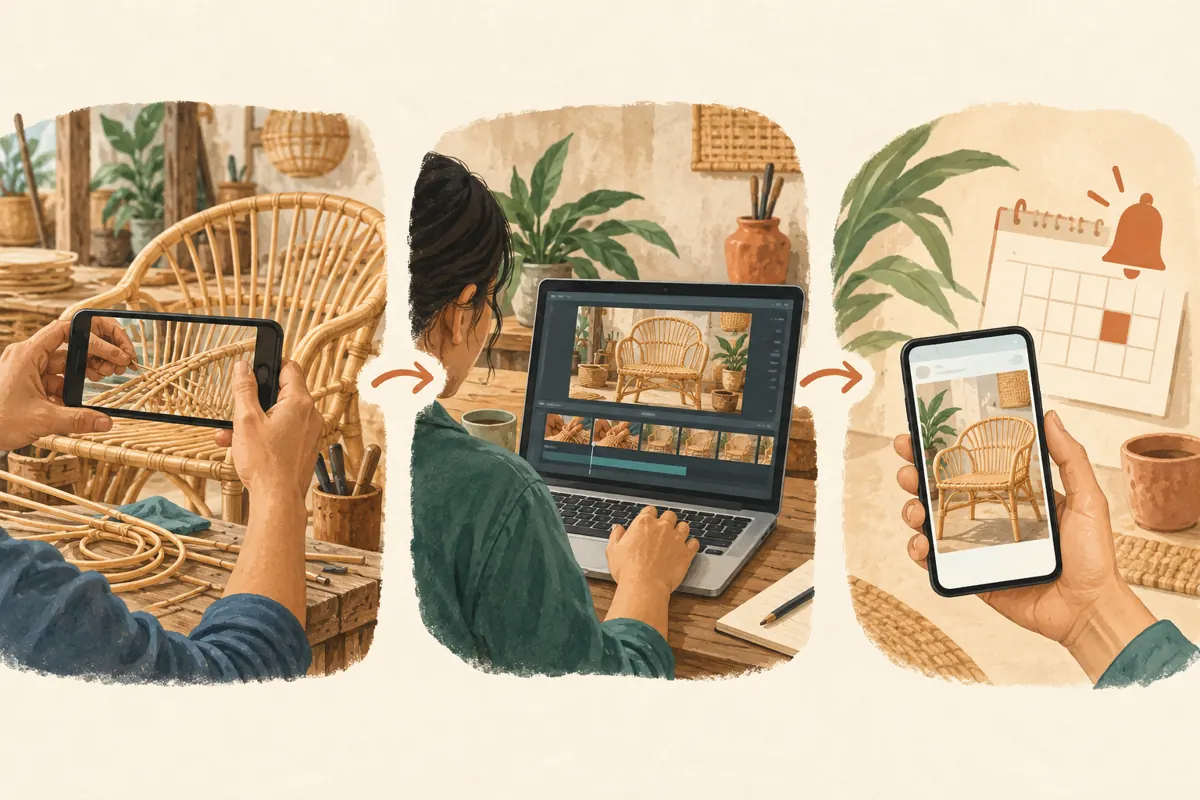
5. Invite people with an accurate promise
A useful hypothetical invitation would explain that the workshop will show a recorded comparison of two rattan seats and answer product questions during the shared viewing. Include the date, Cambodia time, watch-page link and the language staff will use. Avoid calling it a live factory demonstration when no live filming will take place. Show the actual chair in the thumbnail rather than a different premium model that creates the wrong expectation.
Share the invitation where the workshop already communicates with interested customers and where promotional posts are welcome. Give people time to plan: YouTube’s creator guidance recommends scheduling at least 24 hours ahead. Treat that as preparation guidance, not a promise of attendance. A reminder should add useful context, such as the specific construction detail being demonstrated, instead of repeating an urgent sales message. [YouTube Premiere tips](https://support.google.com/youtube/answer/12356784?hl=en)
6. Prepare the host to answer, defer and redirect
Create a simple answer sheet with the model names, confirmed measurements, materials and current enquiry route. Divide likely questions into those the host can answer immediately and those requiring a workshop check. In the hypothetical event, a question about the displayed cushion attachment can be answered from the video. A request for a custom seat height needs a separate assessment. Agree on wording for uncertainty before the event begins.
Assign responsibility for watching chat, checking factual answers and recording unresolved questions. One person may cover these roles for a small event, but the responsibilities should remain explicit. YouTube recommends being present and moderating the conversation during a Premiere. Prepare two relevant opening prompts, such as asking which seat detail viewers want explained. Do not script pretend customer questions or invent enthusiasm to make the chat look busy. [Hosting a Premiere](https://support.google.com/youtube/answer/12356784?hl=en)
7. Keep the conversation useful during the showing
Before the scheduled start, the host should open the watch page, check their connection and have the answer sheet ready. The selected countdown begins at the scheduled time, followed by the video. Factor that into any promise about when the demonstration begins. [Premiere timing](https://support.google.com/youtube/answer/9080341?hl=en)
Respond with enough context that someone joining late can understand the answer. Instead of saying yes, identify the model and feature being discussed. If a viewer asks for delivery to a particular Cambodian province, acknowledge the location and explain that the shop needs to confirm the delivery arrangement separately. Do not ask them to post a full address or telephone number in public chat.
If the host loses connection, use the prepared fallback communication route once access returns. Avoid promising instant answers throughout the event unless staffing supports that promise. Record unresolved questions in the workshop’s own notes so they can be followed up after the viewing.

8. Apply a firm decision rule to SMM panel services
The supplied jkj-smm.com catalogue includes the exact service name “YouTube Like ~ Max 50k ~ 50k/days ~ Instant ~ 𝐍𝐎 𝗥𝗘𝗙𝗜𝗟𝗟”. Its title identifies a like-related offering, but the supplied description is empty. The title does not establish its delivery method, audience location, genuine interest or suitability for a Premiere. Its embedded quantities and timing language are catalogue labels, not verified performance findings.
YouTube prohibits artificial increases in views, likes, comments and other metrics, and says a hired promoter’s actions can affect the channel. Do not use a service to manufacture a successful-looking launch. If a provider cannot explain a compliant method, stop the purchase decision. Purchased engagement cannot demonstrate Cambodian attendance, furniture demand, sales or advertising delivery. For this workflow, directing effort toward the demonstration, accurate invitations and staffed answers is the practical priority. [YouTube fake engagement policy](https://support.google.com/youtube/answer/3399767?hl=en-GB)
9. Turn the event into a useful ongoing reference
After the Premiere, the video remains on the channel as a regular upload. That makes the recording useful beyond the scheduled gathering. [After a Premiere](https://support.google.com/youtube/answer/9080341?hl=en)
Review unresolved questions while the discussion is still fresh. Ask the craftsperson to verify answers about construction, and ask the relevant staff member to confirm availability or delivery details. Where an answer helps future viewers, add a clear public clarification in an appropriate place. Keep private quotation details in the customer conversation. Update invitations you control so they direct people to watch the demonstration rather than attend an event that has ended.
Separate three outcomes in the review: what the team successfully prepared, what viewers actually asked, and what later business records confirm. A question about a chair is an enquiry, not a purchase. A sale recorded later should not automatically be attributed to the Premiere without supporting context.
10. Fix common mistakes before repeating the format
A common mistake is scheduling first and finishing the video under pressure. Another is assigning a host who knows the social account but cannot identify the furniture on screen. Both problems are preventable: approve the export before announcing the date, and rehearse likely questions using the actual recording. Avoid making viewers wait through a long introduction before seeing the detail promised in the invitation.
Do not interpret quiet chat as proof that the demonstration failed. Some people may prefer watching without commenting, while others may contact the shop later. Equally, a busy conversation does not prove buying intent. Decide whether to repeat the format by examining the work required and the questions it helped resolve. If customers repeatedly need the same detail, improve that part of the recording. If scheduled attendance adds little value, publish the next demonstration as a straightforward reference video.
Frequently asked questions
Is a Premiere worthwhile for a workshop with a small audience?
It can be worthwhile when the invited viewers share a specific question and the workshop can provide useful answers. Start with the value of the conversation rather than a target crowd size. If arranging attendance creates more difficulty than benefit, a regular upload with a clear enquiry route may serve customers better.
Should the demonstration and the host’s replies use the same language?
Consistency helps, but the workshop should plan around the people it expects to serve. For a Khmer demonstration, prepare Khmer product terminology and replies first. If staff can also answer in English, say so accurately. Do not promise bilingual support when the available host cannot explain technical details in both languages.
What should the host do when someone asks for a price during the video?
Identify the model and configuration before answering. Give only a confirmed price with its scope clearly stated, including whether the cushion or other visible accessory is included. If customization or delivery changes the quotation, explain what needs checking and direct the customer to the workshop’s established private enquiry route.
Should a quiet Premiere be supported with purchased likes?
No. Likes do not resolve unclear product information or tell the host what customers need. Use the review to improve the subject, invitation or timing instead. Record any genuine questions and unanswered issues, then decide whether another shared viewing would be useful. Avoid treating a public engagement count as evidence of local commercial demand.
Explore the current service catalogue, create an account, or ask a specific question through support tickets.
- YouTube Help: Premiere a new video
- YouTube Help: YouTube premiere tips
- YouTube Help: Fake engagement policy
Prepared with AI assistance. Illustrations explain the workflow and do not represent customer results.