22/10/2026 13:29
Scheduled or Already Public? YouTube Release Checks for Cambodian Bamboo-Blind Shops
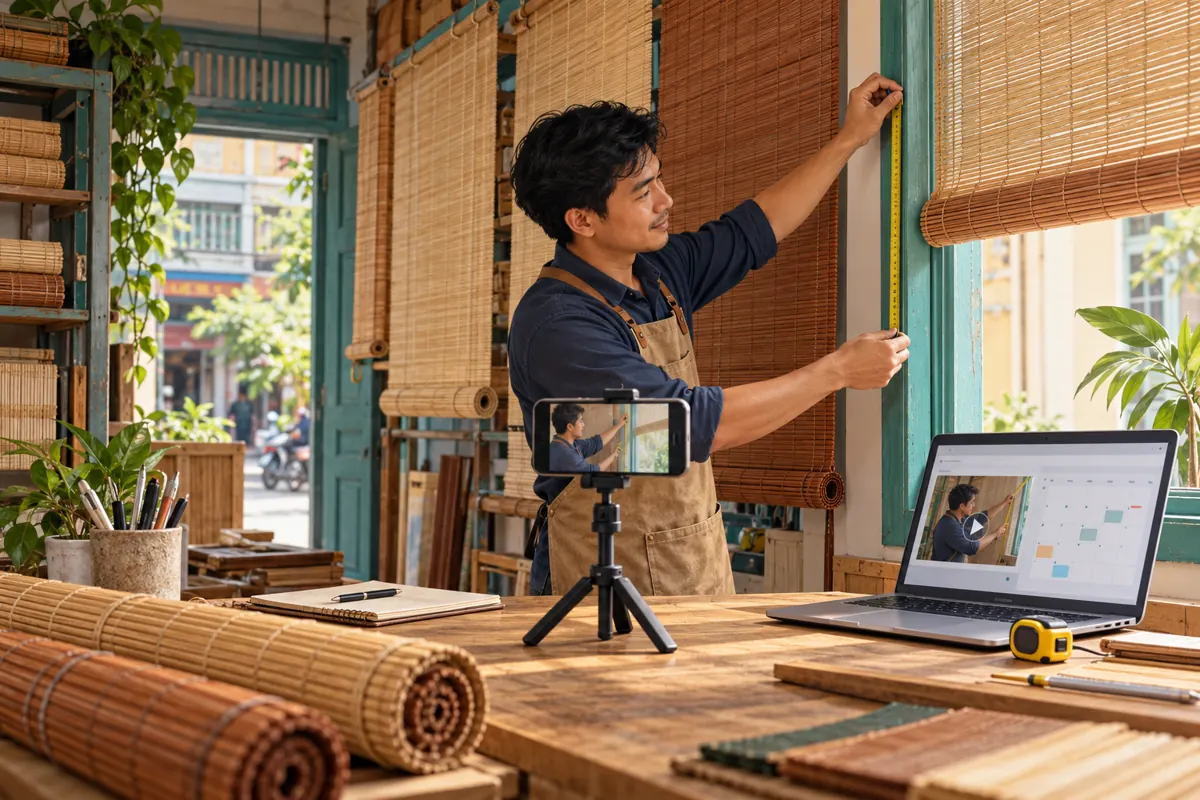
A finished measuring video can still create an unfinished customer experience. A Cambodian bamboo-blind shop might prepare a useful demonstration, announce that it is available, and then discover that visitors cannot watch it because publication is scheduled for later. Another shop might release the guide successfully while nobody is available to explain which measurements a customer should send. Scheduling helps coordinate these tasks, but the selected time is only one part of the release. This guide explains how to prepare a practical YouTube publication workflow, check the result from a visitor’s perspective, and keep SMM-panel decisions separate from evidence that the video is accessible and useful.
1. Define what the release should help customers do
Start with the customer’s next action. For a bamboo-blind shop, that might be sending a clear photograph of the window together with measurements requested by the shop. The video should explain the measurement points, identify the units, and distinguish a preliminary enquiry from a confirmed manufacturing instruction. A publication time cannot compensate for uncertainty about what the viewer should do afterward.
Consider a hypothetical shop in Battambang preparing a Khmer-language guide to measuring a window opening. Its owner wants staff to send the guide when someone asks for a quotation. The release is successful when the correct guide is publicly accessible and staff can explain the next step. A sale is a separate outcome requiring a suitable product, an agreed specification, and customer approval.
2. Keep preparation, scheduling and verification separate
Use three distinct entries in your working notes: content approved, publication scheduled, and public playback checked. Each answers a different question. Content approval means the shop accepts what the video says. Scheduling records the intended release. Playback verification records what a visitor could actually access after that time. Avoid a single tick labelled “done” that conceals which task remains.
Assign an owner to each entry, even when one person performs all three. In a small family business, the installer might approve the measuring explanation, the owner might set publication, and a counter assistant might check playback. This division gives each person a concrete responsibility without requiring a complicated management system. Keep the video title and link beside the entries so similar demonstrations are not confused.
3. Choose a time the shop can support
Choose a release window when someone can inspect the result and answer reasonable questions. For a Cambodian shop serving local customers, write the full date, local time, and time zone in the internal release note. Avoid shorthand such as “tomorrow morning,” especially when an editor works elsewhere or several videos are waiting. Confirm that the person responsible for enquiries will actually be available.
Do not build the plan around an unsupported claim about a universally best posting hour. YouTube says publication time is not known to affect a video’s long-term performance. Staff coverage is therefore a practical starting point, rather than a promise of extra reach. If existing audience information later suggests a useful time, treat it as an input to planning, not a guarantee. Source: https://support.google.com/youtube/answer/141805?hl=en-9
4. Check the measuring guide before setting publication
Watch the final export on a phone. Confirm that viewers can distinguish the window opening from the blind itself, see where the tape begins, and understand whether a measurement describes width or drop. If the spoken explanation is Khmer, have a fluent reviewer check the meaning. Brand names and product codes may remain unchanged, but instructions should use language the intended customer understands.
Then inspect the commercial details surrounding the demonstration. Does the description invite an enquiry or imply that an order is already accepted? Are any quoted prices, delivery statements, or fitting arrangements still accurate? Remove promises the team cannot support. For an evergreen guide, avoid baking temporary offers into the spoken explanation when a separate, dated message would be easier to maintain.
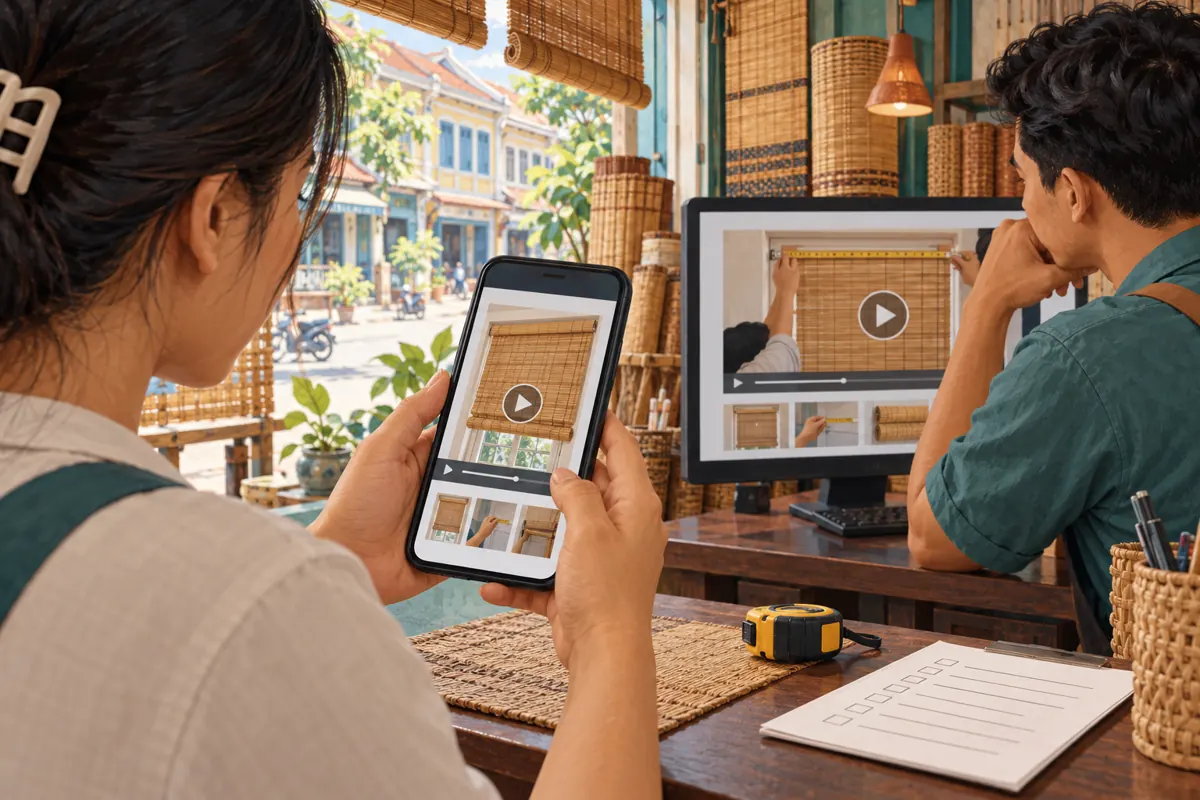
Prepare the response staff will use after sharing the video. A hypothetical reply could ask the customer to send the requested measurements and a photograph showing the full opening, then explain that the shop will review suitability before confirming a quotation. This makes the video part of a service conversation rather than an isolated promotional asset.
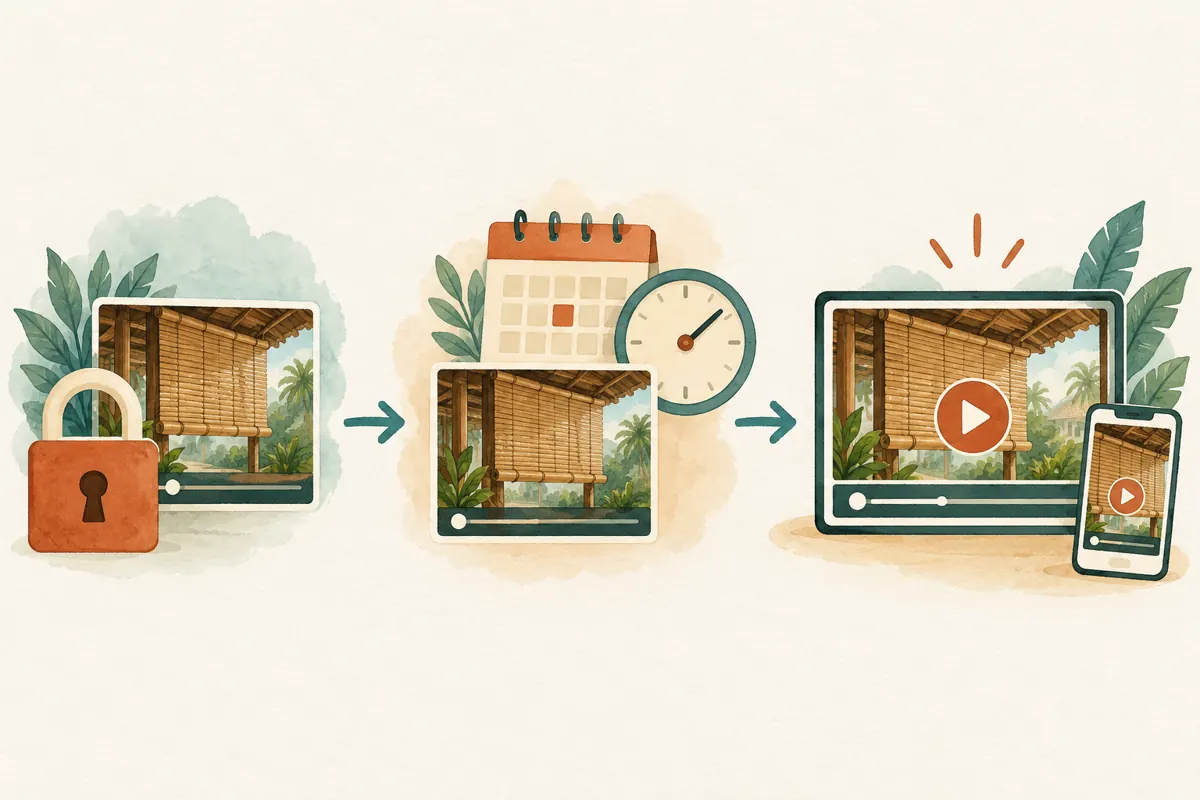
5. Set the schedule and record the selected details
In YouTube Studio, select Create, upload the approved file, and complete its details. Choose Schedule, set the date, time, and time zone, then confirm the schedule. YouTube describes this feature as making a private video public at a specified time. Record the selected settings in the shop’s release note. Source: https://support.google.com/youtube/answer/1270709?hl=en
Keep the internal note brief: identify the guide, its intended release, the person checking it, and the approved follow-up message. Read the saved settings back against that note before leaving the task. If the team uses a screenshot for its own review, crop it to the relevant scheduling information and avoid circulating unrelated account details.
Prepare announcements as drafts until the visitor check is complete. An ordinary scheduled upload remains private until its publication date, according to YouTube’s upload guidance. A copied link is therefore not proof that customers can already watch the guide. Source: https://support.google.com/youtube/answer/57407?faq=5
6. Make a clear decision when circumstances change
Before release, ask whether the changed circumstance affects the video’s truth, the team’s ability to respond, or only an optional promotion. If the measuring explanation is wrong, hold publication and correct the content. If the explanation remains useful but staff coverage disappears, move the release or adjust the promised response window. If an optional announcement is delayed, decide whether the guide can still serve existing enquiries.
For example, suppose the hypothetical Battambang shop learns that a featured bamboo finish is temporarily unavailable. An instructional video showing that finish does not necessarily need to be discarded. However, a statement that it is ready for immediate collection would require correction. Review the exact promise instead of automatically treating every stock change as the same problem.
YouTube allows scheduled publication times to be edited through the video’s visibility settings. After changing the schedule, update every dependent draft and notify the responsible colleague internally. The old calendar note should not remain the team’s reference. Source: https://support.google.com/youtube/answer/1270709?hl=en
7. Check the public result before sharing the announcement
After the selected time, open the exact video link in a signed-out browser or ask a colleague without channel access to check it. Confirm that the expected video plays, the title matches the guide, and the description gives the intended next step. Check the key measuring moment as well as the opening. A successful thumbnail load alone does not establish that the useful instruction is available.
If the video cannot be watched, pause the announcement and inspect its status in Studio. Check the saved schedule and any restriction messages before changing settings. YouTube notes that a Community Guidelines strike can prevent scheduled publication during a penalty period and require rescheduling afterward. Source: https://support.google.com/youtube/answer/1270709?hl=en
Once playback is verified, record the check time and release the approved announcement. Use wording that matches what viewers will receive: a guide to preparing a measurement enquiry, for example. Do not describe a prerecorded tutorial as a live consultation or imply that watching it automatically reserves an installation appointment.

8. Keep SMM-panel listings outside the publishing decision
A catalogue entry is not a YouTube scheduling control. The supplied public service example “YouTube - Auto Comments ~ Emoji ~ Max 1M ~ 1k-3k/days ~ INSTANT” is labelled as an emoji-comment offering. Its description is empty, so the available information does not establish how delivery works, who participates, or whether activity is authentic. The wording in the title should not be treated as independently verified performance evidence.
YouTube prohibits artificial increases in views, likes, comments, and other metrics, and says a hired promoter’s methods can affect the channel. Do not use automated emoji comments to manufacture apparent customer enthusiasm around a release. A panel’s listing does not override platform rules. Source: https://support.google.com/youtube/answer/3399767?hl=en
For this workflow, purchased engagement cannot demonstrate genuine interest, sales, advertising delivery, or Cambodian viewers. It also cannot establish whether the guide explains measurements correctly. If you use an SMM panel for other work, assess each proposed service on its documented method and platform compatibility. Keep any service record separate from the shop’s public-access check and actual customer enquiries; do not assume an undocumented scheduling service exists.
9. Review questions that reveal a useful improvement
After release, collect genuine questions that staff encounter while using the guide. Did a customer understand the units but confuse the opening width with the finished blind width? Did someone send a close-up that omitted the surrounding frame? Record the issue in ordinary language and identify the part of the explanation that may need clarification. Avoid converting one person’s confusion into a claim about every viewer.
Track the operational result separately from commercial outcomes. A record that the link worked and staff used it answers whether the release process functioned. A record that a customer submitted usable information answers a different question. Neither alone proves that scheduling caused a sale. Review enquiries within a defined period and describe what you observed without inventing a conversion rate or attributing every order to the video.
10. Avoid the mistakes that create unnecessary rework
Common errors include sharing the announcement before checking access, copying a time without its zone, and changing the schedule while leaving another colleague’s draft untouched. Another mistake is correcting only the description when the actual video still makes an inaccurate promise. Review the location of the error before choosing the fix; a change outside the video may not resolve what viewers hear.
Use a small release record that survives a handover: approved content, intended time, current status, verification owner, and next customer action. Keep one current version rather than several competing messages. The aim is not to document every click. It is to let the next person answer, confidently, whether the guide is ready, whether customers can watch it, and what the shop will do when they respond.
Frequently asked questions
Should every measuring-guide release become a Premiere?
No. An ordinary scheduled release suits a guide customers can watch when needed. A Premiere adds a shared viewing event and a public watch page before it starts. Choose it only when that experience serves a real purpose and the shop can support it. Source: https://support.google.com/youtube/answer/9080341?hl=en
Can we give customers the link before the scheduled time?
You can prepare the link internally, but do not present an ordinary scheduled upload as already watchable. Its private state can prevent customer access. For a routine guide, the simpler workflow is to verify public playback first and then send the prepared message. This avoids making customers troubleshoot your release.
Why might the displayed publication date differ from our Cambodian release note?
YouTube says the watch-page publication date is based on Pacific Standard Time, which can produce a different date from Studio in an ahead-of-PST time zone. Keep the actual scheduled time and zone in your internal record rather than diagnosing failure from the displayed date alone. Source: https://support.google.com/youtube/answer/1270709?hl=en
What if the video publishes but the shop cannot answer immediately?
Review the promise customers are seeing. If the guide remains accurate, staff can use a truthful response-time message and follow up when available. If it promises an immediate consultation or unavailable appointment, correct that claim promptly. For future releases, appoint a backup responder or choose a better-supported window.
Do emoji comments show that the guide helped Cambodian buyers?
No. An emoji does not establish location, understanding, buying intent, or a completed order. Purchased comments are especially unsuitable as evidence of authentic interest. Look instead at voluntarily submitted questions and usable enquiry details, and report only what those records actually show.
Explore the current service catalogue, create an account, or ask a specific question through support tickets.
- YouTube Help: Schedule video publish time
- YouTube Help: Upload YouTube videos
- YouTube Help: Performance FAQ and troubleshooting
- YouTube Help: Fake engagement policy
- YouTube Help: Premiere a new video
Prepared with AI assistance. Illustrations explain the workflow and do not represent customer results.