21/10/2026 11:47
New Phone, Missing Demo? Preserve TikTok Drafts for Cambodian Backpack-Repair Shops
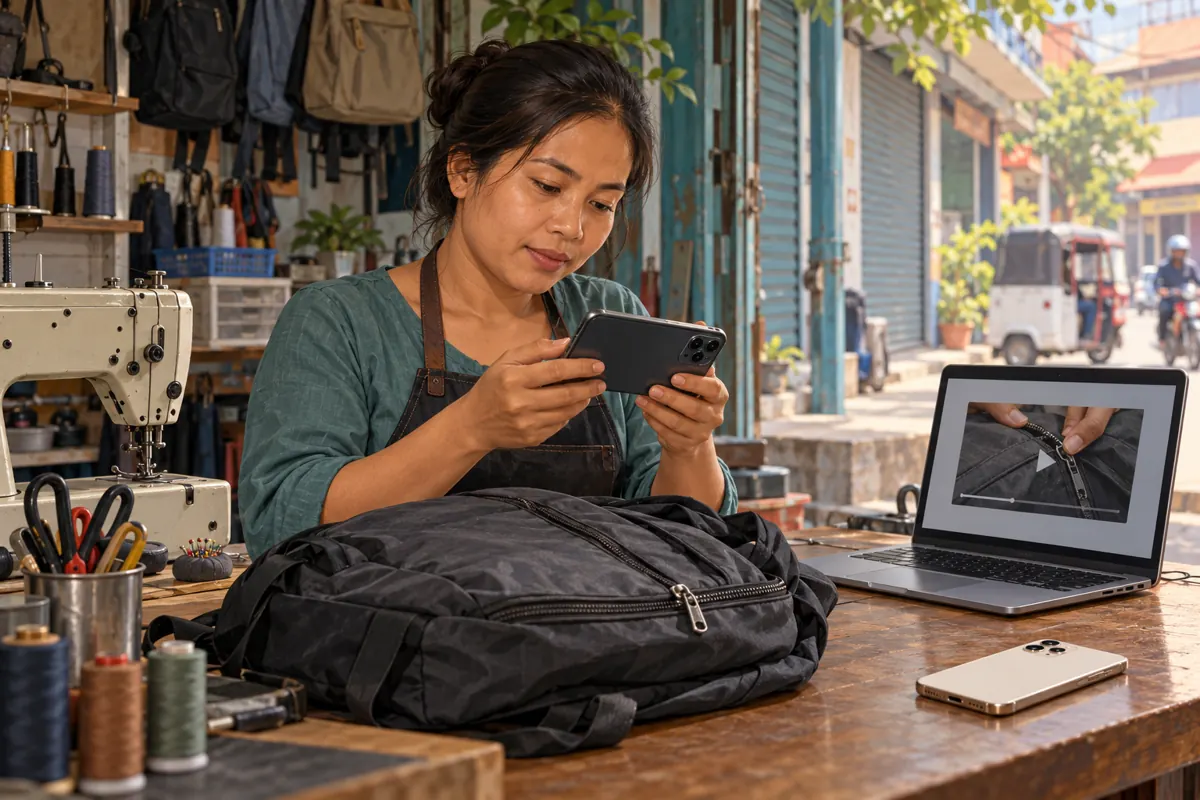
A useful repair demonstration can take longer to prepare than to film. The close-up must show the damaged zipper, the explanation must distinguish a replacement pull from a complete repair, and the final invitation must tell customers what information to send. If that work exists only as an unfinished TikTok draft, changing phones can interrupt the whole promotion plan. For Cambodian backpack-repair shops, the practical goal is to preserve enough material to finish the demonstration even when the original editing session is unavailable. This workflow connects draft preservation, content review and responsible SMM-panel decisions without treating a saved file as evidence that a campaign is ready.
1. Identify what actually needs preserving
Consider a hypothetical Phnom Penh shop preparing a video about a backpack zipper that separates after closing. The owner records the inspection, a colleague adds Khmer explanations, and the unfinished edit remains on the shop phone. A replacement phone arrives before the repairer approves the wording. Logging into the correct account is only one part of this transition; the team also needs the footage and the decisions behind the edit.
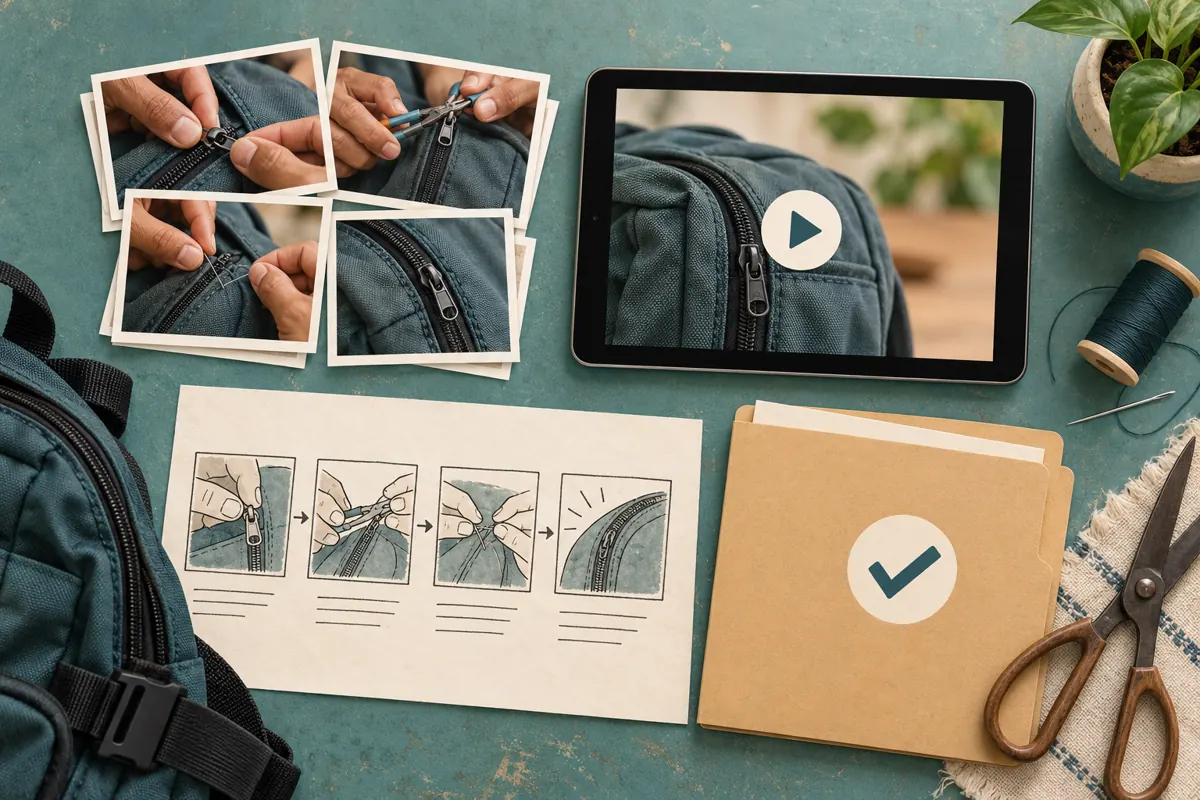
Separate four items: original recordings, a playable edited copy, the editable project where available, and written publication notes. Each solves a different problem. Original clips allow a fresh edit. A finished copy preserves the visible sequence. A project may retain editing controls in the software that created it. Notes explain what still needs checking. Label these items clearly so nobody mistakes an exported movie for a fully editable project.
2. Understand TikTok’s documented draft limits
TikTok’s Editing, posting, and deleting help page says drafts may be removed after uninstalling and reinstalling the app, or when an account is moved or switched to another device. It also says drafts cannot be shared or transferred between different accounts. Treat these limits as a reason to preserve your material before a phone change, rather than assuming account access guarantees draft continuity.
Choose a quiet period for the transition. Keep the original phone available while you check the material, and avoid using an app reinstall as the first response to a missing edit. In your internal plan, mark the demonstration as awaiting preservation until another authorized person can open the necessary files. That status prevents a colleague from building tomorrow’s promotion around an unfinished video that only one device can currently display.
3. Make a short inventory before moving anything
Review the unfinished demonstrations and record a plain-language identifier for each one: bag colour, repair question, filming date and the person responsible. A useful entry might read, hypothetically, “Grey school backpack; zipper separates; repair explanation awaiting approval.” This identifies the content more reliably than a small thumbnail, especially when several videos show similar black or grey bags on the same workbench.
Add three practical fields: where the original clips are stored, whether a complete viewing copy exists, and what remains unresolved. Prioritize footage that would be difficult to recreate, such as a repair already completed or a customer-owned bag already collected. Ordinary shots of tools can wait. Keep customer names, collection slips and private contact details out of the working inventory unless they are necessary and stored appropriately. A content identifier usually provides enough context.
4. Preserve a viewing copy and the ingredients
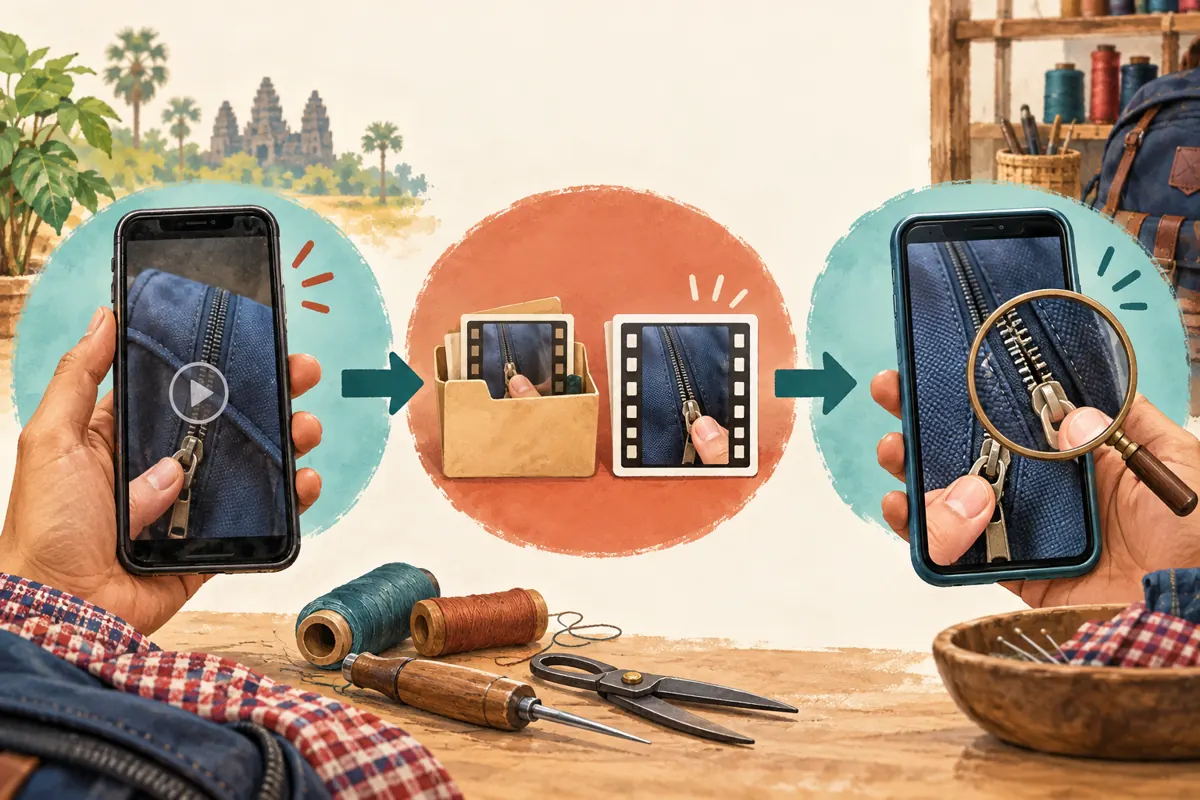
TikTok’s download guidance describes saving your own content before posting. Check the available save controls in your current editing flow, then confirm that an actual video appears on the device and plays correctly. Do not regard tapping a save control as proof of success. If the available workflow does not produce a usable copy, preserve the original recordings and plan to reconstruct the edit instead of rushing the unfinished demonstration into public view.
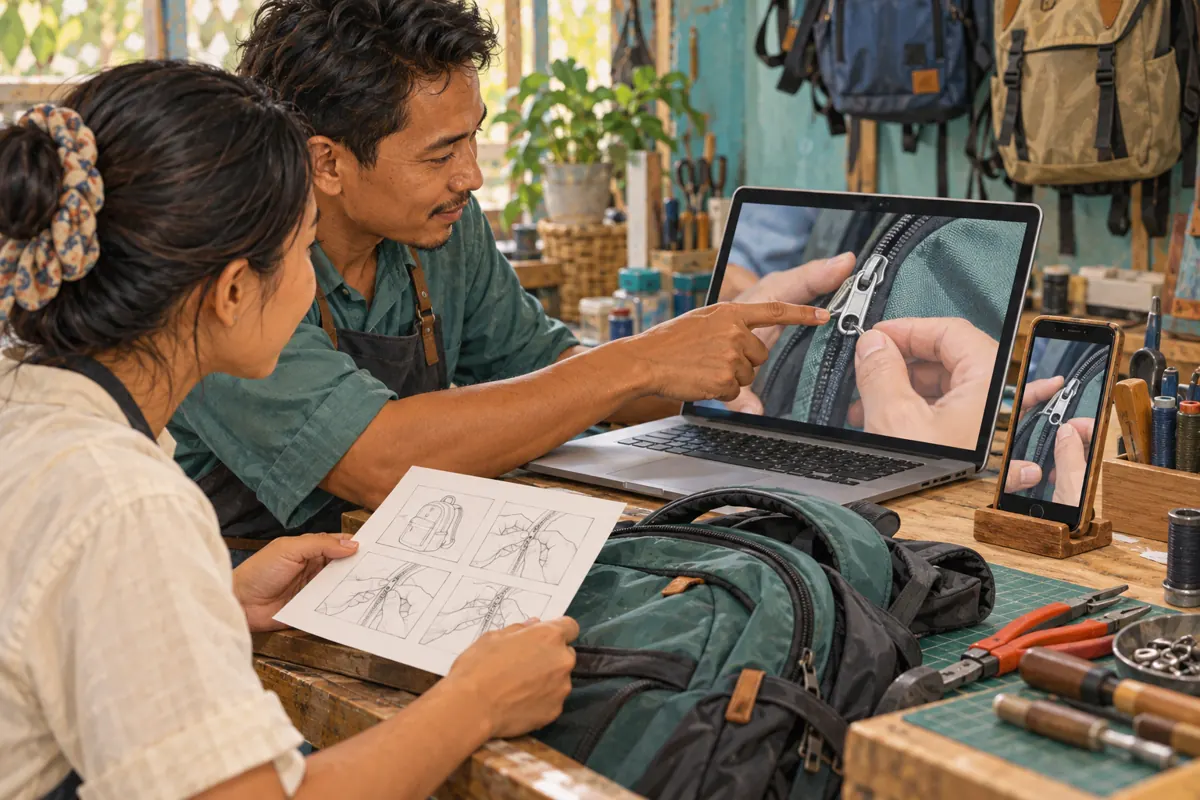
For future shoots, record and retain source footage independently of the final social post. Keep the spoken explanation, clean product close-ups and any separate voice recording together. Where you use an external editor, retain its project alongside a finished export. Also keep the proposed post description in a text document. This arrangement lets someone correct an outdated pickup instruction without having to reconstruct the entire repair explanation from memory.
5. Write the details a video file cannot explain
A playable copy shows what the audience would see, but it may not explain why a particular shot or sentence was chosen. Write a short reconstruction note describing the opening question, the order of the clips, the wording of essential overlays and the intended closing action. Record anything awaiting approval separately. A sentence marked “check with repairer” must not quietly become an approved claim when another employee rebuilds the video.
In the hypothetical zipper demonstration, the important distinction might be that replacing a pull does not solve every damaged zipper. Preserve that qualification wherever the edit is recreated. For Khmer speech with an English part name, keep the approved spelling and a plain explanation of the component. Note which close-up accompanies the explanation. These notes protect meaning when the new editor has good video skills but less knowledge of the repair itself.
6. Test the backup on a second device
Copy the content package to storage controlled by the business, then open it from a second device. Check the actual files rather than relying on a folder name or upload notification. Play the beginning, the important repair detail and the ending; for a short demonstration, watch the entire export. Listen for missing narration, inspect the zipper close-up and confirm that the final frame is present. Verify that the original clips also open.
Use this test to expose dependencies. If an editing project opens but cannot locate its source clips, the package is incomplete. If the export plays but the caption document is missing, the publishing instructions are incomplete. Record the date and reviewer after the checks pass. Keep the original phone until the business has verified what it needs. A successful file transfer is useful only when the receiving person can continue the work.
7. Rebuild only what the customer needs
If the original edit is unavailable, use the preserved material to recreate a clear explanation. Start with the customer’s question, show the relevant inspection and finish with the next action. Avoid spending the whole afternoon recreating decorative transitions while the critical repair qualification remains missing. The new version can look different while preserving the approved meaning and the evidence shown in the original footage.
For the hypothetical shop, a useful closing instruction could ask customers to send a clear photo of the damaged area and describe whether the zipper sticks or separates. Do not imply that a photo guarantees a final quotation. Check that any pickup location, opening information and service availability remain current. If a visible customer label cannot be excluded cleanly, replace the shot. Rebuilding is also an opportunity to remove irrelevant footage that distracts from the repair question.
8. Keep SMM-panel decisions separate from draft rescue
The supplied catalogue includes “TikTok Video Views ~ Max Unlimited ~ 1M/Days ~ Instant ~ 𝐍𝐎 𝗥𝗘𝗙𝗜𝗟𝗟”. This is a video-view listing, not a draft recovery or video storage service. Its supplied description is empty, so the title alone does not establish delivery behaviour, audience origin or account authenticity. Nothing in the brief supports treating it as a way to retrieve an edit or reach Cambodian repair customers.
TikTok’s Integrity and Authenticity rules prohibit services that artificially increase engagement and describe action against inauthentic metrics. An SMM-panel listing does not override those rules or establish official affiliation. Do not purchase artificial engagement as a substitute for repairing the content workflow. Purchased engagement is not evidence of genuine interest, sales, ad delivery or Cambodian users. Keep any existing administrative records separate from the creative package, and assess promotion only after the approved demonstration is available.
9. Review the rebuilt video as a fresh publication
Treat a reconstructed demonstration as a new review task. Compare the finished version with the approved notes, especially where shortened narration could change the repair claim. Watch once with sound and once without it. Ask a colleague unfamiliar with the edit to explain what problem the shop handles and what the viewer should send next. If they cannot answer, improve the demonstration before adding more promotional activity.
When the approved video is eventually published, record its actual public address beside the content identifier. A local filename and a draft thumbnail are useful production references, but neither identifies the final public post. Keep the earlier version marked as superseded if you retain it. Review genuine enquiries for practical learning: are people sending the relevant zipper photo, or still asking which part the video shows? Use those questions to improve the next explanation without claiming that a view caused a booking.
10. Avoid shortcuts that create another recovery problem
Common mistakes include copying only the final export, keeping the only backup on the phone being replaced, and approving a video through a filename such as “final-new-final”. Use meaningful version names and record which copy was approved. Another mistake is preserving the visual edit while losing the explanation of what remains uncertain. That can turn an unfinished technical statement into a public promise during a hurried handover.
Build a modest closing routine after each filming session: gather the source clips, save the current viewing copy, update the unresolved questions and verify the backup. Assign one person to maintain the package and another to approve the repair explanation. A small shop can combine roles when necessary, but should still perform both checks. The routine succeeds when the business can continue its content work without depending on one phone or one employee’s memory.
Frequently asked questions
Will logging into the same TikTok account on a new phone preserve my drafts?
Do not rely on that outcome. TikTok identifies moving or switching an account to another device as a circumstance in which drafts may be removed. Preserve your source material and a playable copy first, then verify those files independently before retiring the old phone.
Is an exported video enough for our next employee to continue editing?
It may be enough for simple trimming, but it does not necessarily retain separate text, narration and clip layers. Keep the original recordings and an editing project where available. Written notes help the next employee recreate choices that are no longer individually editable.
What should we do if the draft is already missing?
First check the original device and look for source recordings, saved exports and business backups. Work out what survives before making further changes. TikTok’s documented recovery process for deleted posts should not be assumed to restore unpublished drafts. Reconstruct the demonstration from verified material where necessary.
Should we publish an unfinished repair video simply to preserve it?
Use a separate preservation workflow. An unfinished video may contain an incorrect explanation, customer information or an outdated instruction. Save usable files where possible and rebuild from the source material if needed. Publication should follow content approval rather than serve as an emergency backup decision.
Can an SMM-panel service compensate for losing the original demonstration?
The supplied services provide no documented draft-recovery capability. Engagement counts cannot restore missing footage or explain a repair accurately. Put effort into recovering the materials, rebuilding the explanation and checking the customer’s next step. Evaluate any later promotion against platform rules and actual business needs.
Explore the current service catalogue, create an account, or ask a specific question through support tickets.
- TikTok Help Center — Editing, posting, and deleting
- TikTok Help Center — Download content
- TikTok Community Guidelines — Integrity and Authenticity
Prepared with AI assistance. Illustrations explain the workflow and do not represent customer results.