20/10/2026 04:41
Can Customers Send the Part Photo? Telegram Media Permissions for Cambodian Spare-Parts Shops
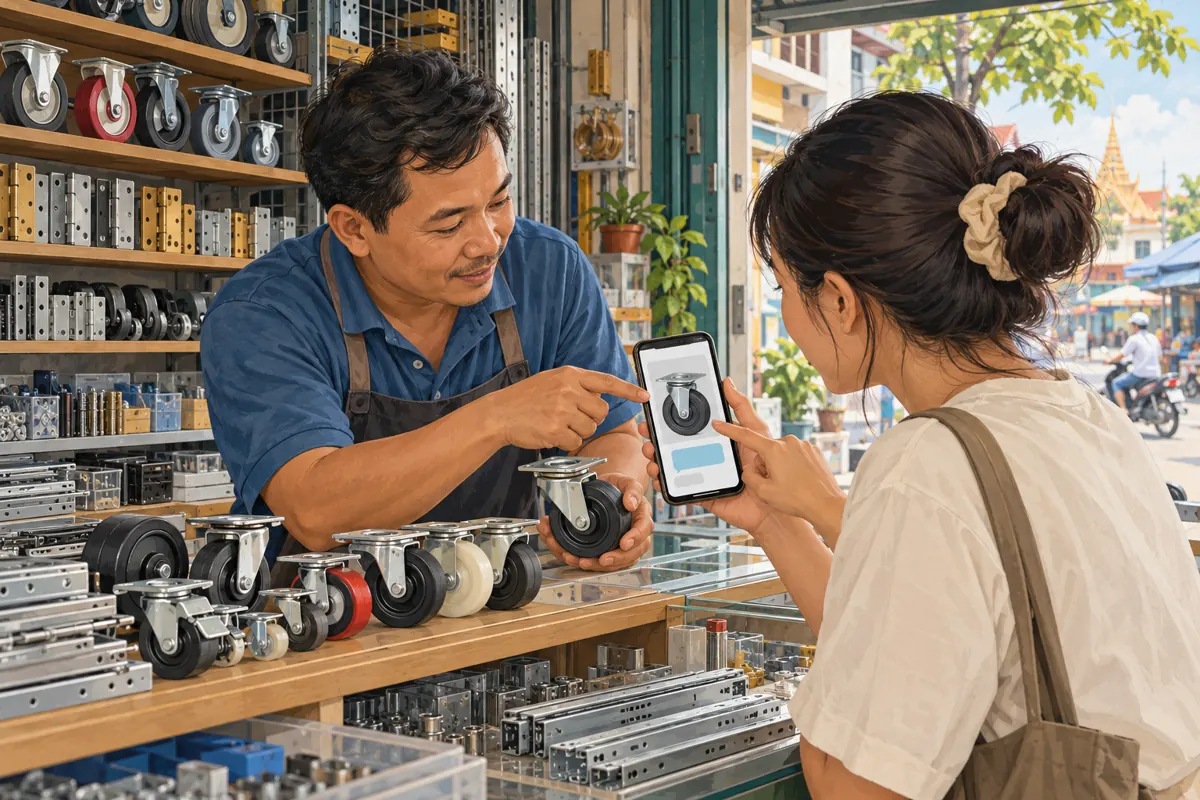
A customer needs a replacement trolley wheel but does not know its name. Your shop’s promotional post invites them to join a Telegram group and send a photograph. They arrive, open the attachment menu, and discover that photos are restricted. Meanwhile, staff can still post pictures, so nobody at the counter has noticed the problem. This hypothetical situation shows why group permissions belong in a promotion plan. For Cambodian spare-parts businesses, an effective group should let customers show the item, explain the problem, and receive a useful next step. Before encouraging more people to join or considering an SMM panel service, make sure an ordinary member can complete that journey.
1. Define the enquiry the group should support
Start with a concrete customer task: identifying a possible replacement for a wheel, hinge, handle, or drawer runner. Write down the information staff need before checking stock. Usually that means a view of the whole item, a close-up of the fitting, and a measurement with its unit. The group should support those exchanges without requiring customers to understand technical product names.
In a hypothetical Battambang shop, customers buy parts for market trolleys and household furniture. The owner wants members to share identification photos and ask compatibility questions. That purpose justifies allowing photographs and text. It does not automatically justify every other attachment format. Discuss the task with the employee who answers enquiries, because the person preparing promotions may overlook information needed at the counter.
2. Understand what a permission can actually control
Telegram’s official documentation explains that group administrators can restrict particular content types or stop members from sending messages altogether. Its later media-permissions update describes separate controls for formats including photos, voice messages, and video messages. These controls provide a way to shape participation. They do not determine whether a permitted photograph is relevant or whether a written product claim is accurate. See Telegram’s [group permissions announcement](https://telegram.org/blog/permissions-groups-undo) and [granular media permissions guidance](https://telegram.org/blog/profile-pics-emoji-translations).
Treat the settings as format controls and your group rules as content guidance. A shop might allow photos while asking members to avoid unrelated advertisements. Staff must still handle an advertisement submitted as a photograph. Similarly, disabling one attachment category should never become a promise that the group is free from spam. The practical aim is to reduce unnecessary interruptions while preserving the formats that help customers.
3. Choose formats by their business purpose
Create a short decision note before changing anything. For each format, answer: what useful enquiry requires it, who will review it, and what alternative exists if it is unavailable? Photos and text are a sensible starting point for visual part identification. Video may help demonstrate movement in a loose drawer runner. Voice messages may help a customer explain a problem more comfortably than typing it.
Decide separately whether those explanations belong in the shared group or in a direct conversation with staff. If the group becomes difficult to follow because of unrelated clips, consider limiting video there while offering a clear private route for necessary demonstrations. Avoid choosing settings purely because a tidy chat looks better in a promotional screenshot. A cleaner conversation has little value if customers cannot communicate the detail needed to identify their part.
4. Change settings with a record and a test
Using an account authorized to manage the group, open its information screen and locate its management or editing controls, then Permissions. Labels and placement can vary across Telegram clients, so read the available options instead of relying on a remembered toggle position. Record the relevant settings before making changes. This gives staff a clear way to restore the previous arrangement if a necessary enquiry format stops working.
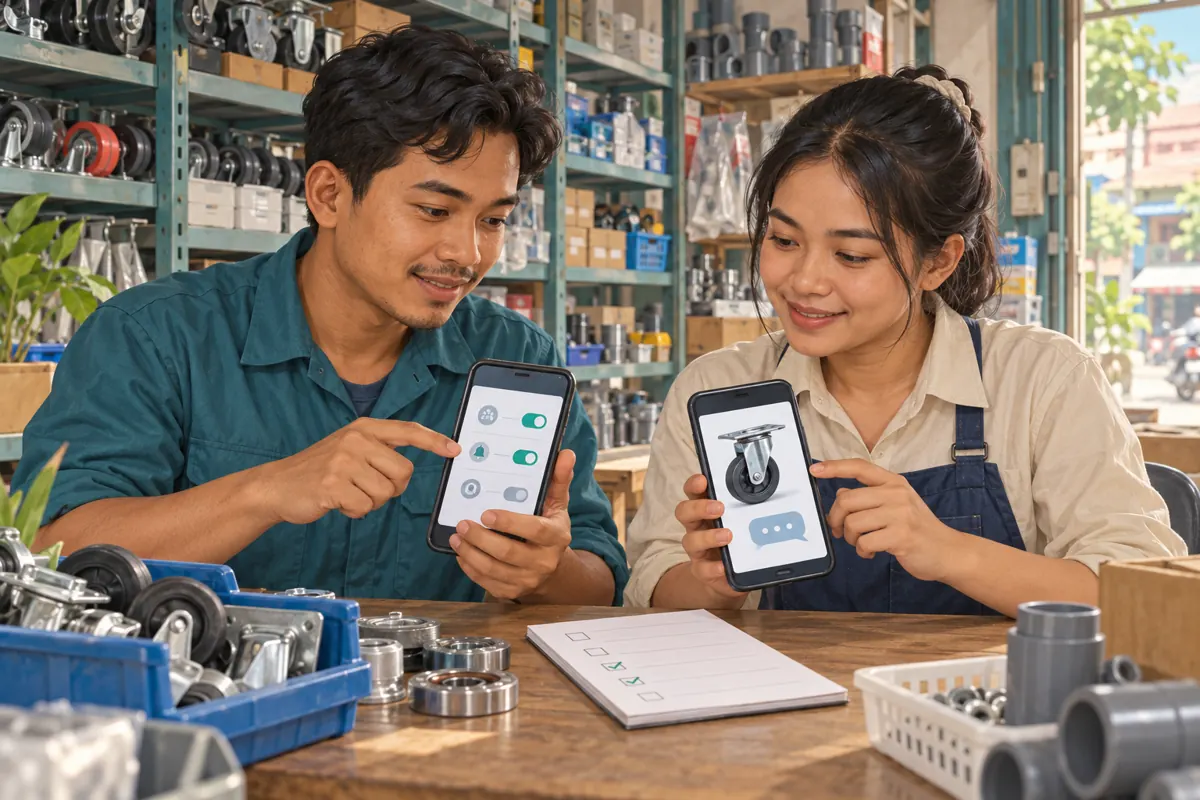
Make a small, deliberate change and save it. Ask a colleague participating as an ordinary member to send a harmless test photo and a short question. Test a restricted format too, so staff understand what customers encounter. Telegram distinguishes default permissions, individual restrictions, and administrator rights; an administrator’s successful upload is therefore insufficient evidence of the member experience. The distinction is documented in Telegram’s [permissions reference](https://core.telegram.org/api/rights).

5. Give customers a useful photo request
Permissions make an upload possible; instructions make it useful. Prepare a simple request that staff can adapt: send the whole item, the fitting that needs replacement, and a clear measurement; explain which part is loose, worn, or missing. Ask for one item at a time when several parts look similar. A close-up without context can make a small cabinet wheel look like a larger trolley component.
In another hypothetical enquiry, a customer sends a caster photograph and asks whether the shop has the same one. Staff request the mounting plate and the distance between mounting holes, with units stated. They describe any suggested replacement as provisional until compatibility is checked. For Khmer-speaking customers, prepare natural Khmer instructions reviewed by a fluent colleague. Retain genuine model codes exactly, and avoid requiring customers to translate unfamiliar mechanical vocabulary before they can ask.
6. Explain restrictions without closing the conversation
Tell members what they can send and where other material should go. An illustrative group notice could say: this group accepts part photos and written questions; contact the shop directly if a movement demonstration or voice explanation is needed; keep delivery details and payment records out of the shared conversation. Adapt the wording to the actual settings and the contact route your team monitors.
Make the alternative practical. Assign someone to receive those direct enquiries and state realistic response hours. If customers regularly need voice explanations, reconsider a blanket restriction instead of repeatedly asking them to struggle through text. Permission decisions should reflect the people using the shop. Also explain that photographs posted to the group are shared with its participants. Ask customers to crop out addresses, receipts, faces, and unrelated personal details before uploading.
7. Diagnose a failed upload before changing everything
When someone reports that a photo will not send, first ask what they see. A missing or disabled attachment option is a different symptom from an upload that remains pending. Confirm that they are in the intended group and ask whether text messages work. Do not request login codes or access to their account. A description of the symptom is often enough to begin troubleshooting.
Next, compare the relevant group setting with a test from another ordinary member. If only one person is affected, review any applicable individual restriction before assuming the group-wide setting is wrong. If several members cannot upload the same format, revisit the default permission. Where the setting permits the action but the upload stalls, investigate the connection or app separately. Reopening every format at once makes it harder to identify what resolved the problem.

8. Make promotion match the working group
Review every invitation that promises a particular action. If a Facebook post says customers can send a video of a sticking runner, the group must support that route or the post must explain the alternative. Show a sample enquiry using shop-owned parts, clearly identified as an example. That teaches newcomers what to submit without displaying a real customer’s conversation or implying that a demonstration is a testimonial.
Before expanding promotion, ask a colleague unfamiliar with the setup to follow the invitation and attempt the stated task. Give them the same instructions a customer receives. If they need staff coaching to find the correct contact or discover that photos are blocked, repair that gap first. Increased attention cannot compensate for a destination that contradicts the invitation. Keep the promotional promise narrow enough that the counter team can reliably fulfil it.
9. Keep SMM membership services separate from enquiry quality
The supplied jkj-smm.com catalogue includes the exact public service name “Telegram Members ~ 360 Days Non Drop ~ 15k-20k/Days ~ Instant ~ 𝗥𝗘𝗙𝗜𝗟𝗟 360D”. Its title identifies it as a Telegram membership offering, but the brief supplies no description. Treat the timing, retention, and refill wording as catalogue claims requiring clarification, not verified outcomes. The provided information does not establish suitability for this particular group or identify the audience as Cambodian.
A membership service does not configure photo permissions, explain mounting measurements, or answer compatibility questions. Purchased engagement is not evidence of genuine interest, sales, advertising delivery, or Cambodian users. Before considering any service, check its current documented scope and applicable platform rules. If the business objective is more relevant part enquiries, judge whether the proposed service can support that objective with evidence. Choosing not to order is a reasonable decision when the connection is unclear.
10. Review friction and avoid misleading conclusions
After the change, keep brief notes about actual obstacles: a customer could not attach a photo, staff needed another angle, or a voice explanation had no clear destination. Record what happened and what was changed. Separate those observations from order records and member totals. A quieter group could mean less irrelevant content, but it could also mean that useful participation has become harder.
Common mistakes include testing only with an administrator, blocking photos because unrelated videos are annoying, and tightening rules without updating the invitation. Another is interpreting an empty chat as proof that nobody wants the product. Review unresolved enquiries before drawing that conclusion. If customers repeatedly need a format you disabled, consider restoring it with clearer guidance. Keep a restriction when it solves an observed problem and leaves a workable customer route; revise it when the evidence shows avoidable friction.
Frequently asked questions
Should a spare-parts group allow photos but restrict videos?
That can be a practical starting point when still images usually establish the shape and dimensions of a part. First consider whether movement is essential to common enquiries. A runner that catches or a wheel that wobbles may need a short demonstration. Provide a monitored alternative for those cases and revise the restriction if it repeatedly creates extra work.
Why can staff upload a picture when a customer cannot?
Staff may be participating with administrator rights, while the customer is subject to ordinary-member permissions or an individual restriction. Check the customer’s reported symptom and compare it with an ordinary-member test. Do not treat a successful upload from the shop owner’s phone as confirmation that the group is configured correctly for everyone.
Will media restrictions stop unrelated advertising?
They can limit the formats available, but relevance still needs human judgment. An unrelated advertisement can arrive as text or as an allowed photograph. Publish a clear rule, apply it consistently, and review actual incidents. Keep legitimate questions and complaints welcome rather than removing material simply because it is inconvenient for the shop.
Does a larger member count show that the revised group works?
No. Membership alone does not show whether customers can submit useful photographs or receive a relevant answer. Review completed enquiry journeys and the problems staff encounter. Where purchased membership is involved, keep that record distinct from organic participation and confirmed customer actions. Do not describe the increase as local demand without evidence.
What should staff do when a photograph is still inconclusive?
Explain the missing detail and request a specific additional view or measurement. Avoid guessing compatibility from appearance alone. If a reliable match requires inspecting the original part, say so before inviting a purchase or trip. Confirm any availability statement separately, because identifying a possible replacement does not establish that it is currently in stock.
Explore the current service catalogue, create an account, or ask a specific question through support tickets.
- Telegram: Group Permissions, Undo Delete and More
- Telegram: Profile Photo Maker, Translating Entire Chats, Emoji Categories and More — Granular Media Permissions
- Telegram API: Admin, banned, default rights
Prepared with AI assistance. Illustrations explain the workflow and do not represent customer results.